Use the escalation calendar to enter other days to be omitted by escalation calculations, such as Sundays.
Adding and editing new entries
Click Escalation Calendar in the module overview to open a dialog window showing the date and a description for existing holidays.
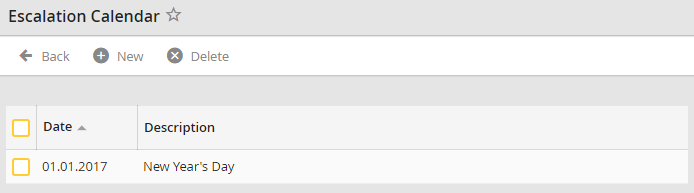
Escalation Calendar
Add additional holidays to the list by clicking New in the action bar.
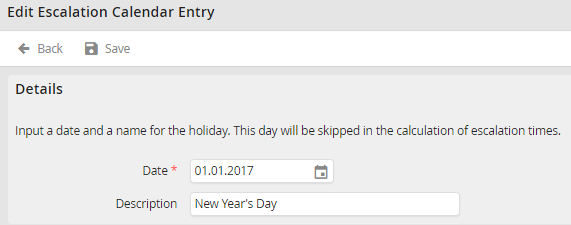
Adding an Entry to the Escalation Calendar
Enter a date into the Date field or choose a date by clicking the calendar icon  The date is required; you may also enter a label for the holiday into the Description field. Click Save to record your entry and be taken back to the holiday overview.
Deleting an entry
Delete an escalation calendar entry by checking the corresponding box, then clicking Delete in the action bar. Confirm the deletion to delete the entry.
