JobRouter allows you to adjust the colors of the application so they match the guidelines of your company.
Color schemes overview
You can find the color schemes in the configuration tools under color schemes. Get an overview of all existing color schemes by clicking on color schemes.
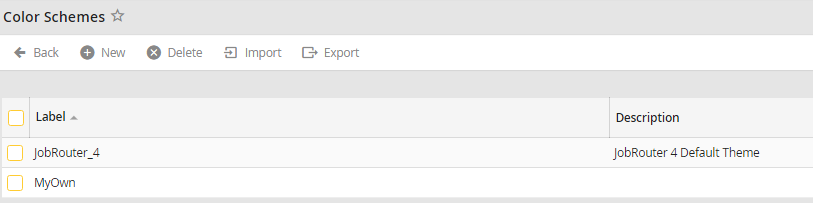
Color schemes overview
If you want to create a new color scheme based on the existing JobRouter color scheme, you can copy the JobRouter_4 color scheme.
Please note:In order that the desired color scheme is used by the users, you must assign the appropriate color scheme to the user profiles.
