By using the IP restriction you can define which IP addresses are permitted to access JobRouter. This is especially relevant for using it online to increase the security of the application.
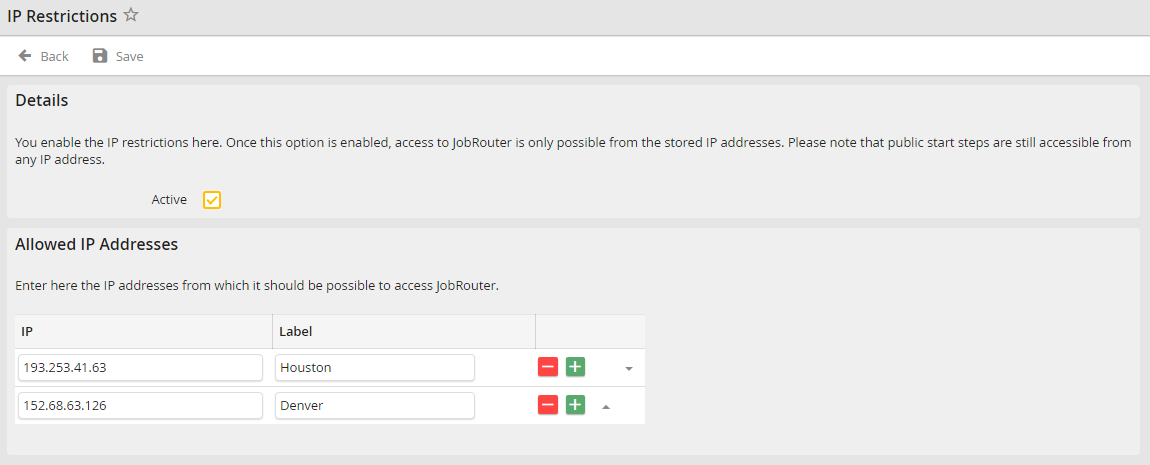
IP restrictions
To define IP restrictions, add the IP addresses to the list of accepted IP addresses that are permitted to access JobRouter. New entries can be added to the list by clicking on the plus button. Existing entries can be deleted by clicking on the minus button. Enter the respective address in the IP address column and a short description in the Label column.
You can activate the restriction by ticking the checkbox Active.
Please note: If you activate the restrictions, you can only sign into JobRouter with the declared addresses to undo the changed settings.
