JobRouter records all e-mail tasks in the e-mail log. The entries remain until the e-mail is sent. Click on JobMail Log under JobMail in Configuration to display an overview list of the existing tasks similar to the following.
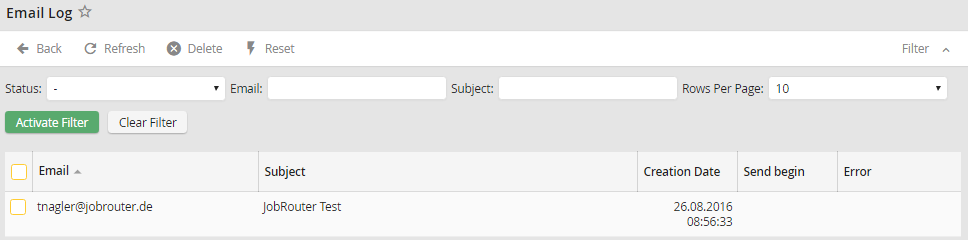
Email log overview
You may click Refresh in the action bar at any time to display the most recent data. The e-mail column shows the receiving e-mail address. Subject shows the subject line of the e-mail message. Creation Date tells you when the e-mail task was added to the table. The Send begin column lists the time of the first attempt to send the e-mail. The Error column contains possible notifications about errors during the transmission of the e-mail. If a send timeout is configured, the server will keep trying to send the e-mail in this interval and an error notification only appears in the error column after it times out.
