You may make a report available to a user who is a member of a Job Function. To do so you have to assign that Job Function to the report on the Assignments tab.
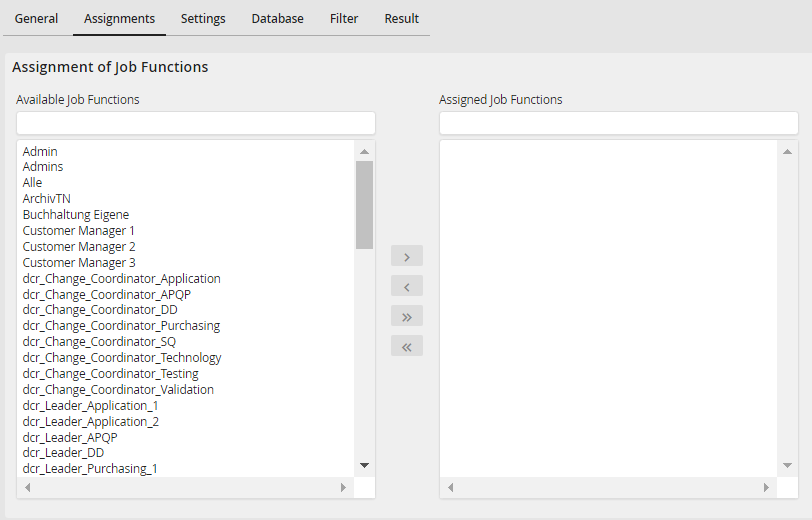
Assigning Job Functions
The Available Job Functions column contains a list of existing Job Functions. Select a Job Function. Click on the arrow  to assign the Job Function to the report. The name appears in the Assigned Job Functions column. The arrow back
  removes a Job Function again. The arrows
  /
/  can be used to assign / remove all Job Functions, respectively. Click Apply in the action bar to save your assignments.
Please note: If the rights management is configured on profile level, an assignment is only possible here, if the right User and Job Function assignment has been set.
