Import a selected LDAP group and all of its subgroups into JobRouter as Job Functions by clicking on Configure Import of Job Functions in the Configuration Tools. The members of the LDAP groups will be added as members into JobRouter Job Functions (the users should be already imported in JobRouter). You may also configure several Job Function properties during import, thus avoiding having to do so within user administration. Multiple Job Function import tasks can be created for each directory service.
Clicking Configure Job Function Import in the configuration tool overview displays the following overview of existing import configurations.
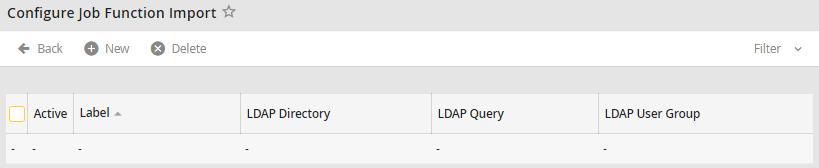
JobFunction import overview
The Label column shows the name of the LDAP query, LDAP Directory shows the nodes under which the groups to be synchronized are to be found, LDAP Query refers to the location of the nodes within the structure, and LDAP User Group shows the groups that are to be synchronized into JobRouter as Job Functions. A check in the Active column indicates that synchronization will take place.
