In the Menu tab, you define which user boxes and categories are assigned to the individual users.
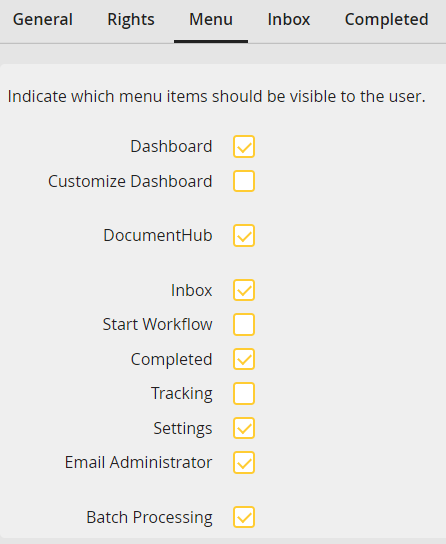
Defining visible menu entries
Here you can set whether the dashboard is available for the users and whether the users can customize the dashboard themselves.
You can also disable the DocumentHub feature.
If the checkboxes are activated in Inbox, Start, and Edit the user will see the according user boxes in the JobRouter navigation menu.
If you select Settings or E-mail Administrator the user will get access to the according function in the user menu.
By clicking on Batch Processing the user can attach the tracking widget to the dashboard.
With the option Batch Processing the user can automatize the editing of instance steps. If he sends a step, the next step in the box, in which the step was opened, will start automatically.
