Reports allow you to display and filter database contents and make them available to users in an easy-to-read fashion. Assign reports to groups of users via Job Functions. Open the corresponding dialog window by clicking Reports.
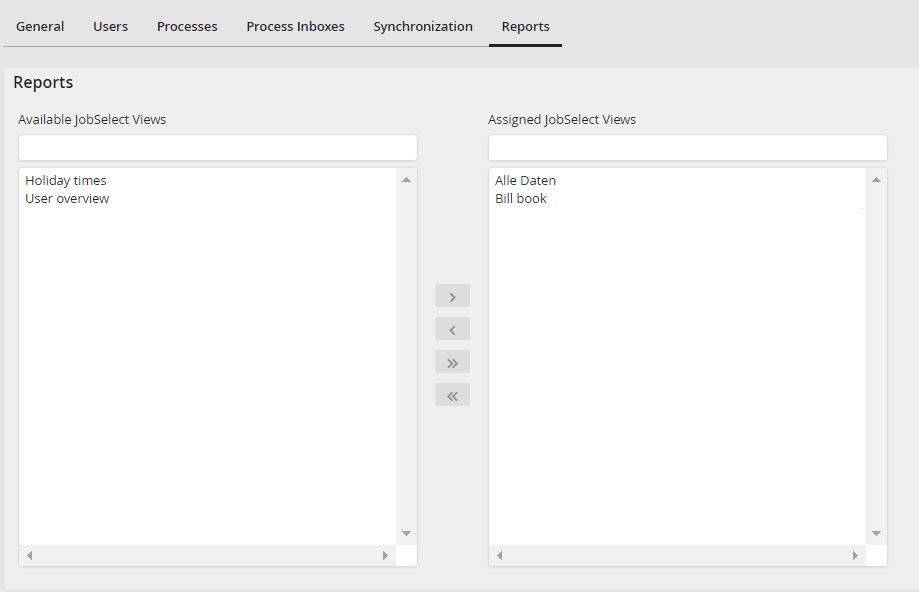
Assigning Reports to a Job Function
A list of all already existing reports is shown. Select a report. Click on the arrow  to assign the Job Function to the report. The arrow back
  removes a report. The arrows
  /
/  allow you to assign all reports to a Job Function or to remove all reports of the Job Function. Save stores the assigned reports and you will be returned to the Job Function overview.
