Define which database is used to provide the content for the report on the Database tab of the Edit Report dialog window. The data source may be the JobRouter database itself or another database.
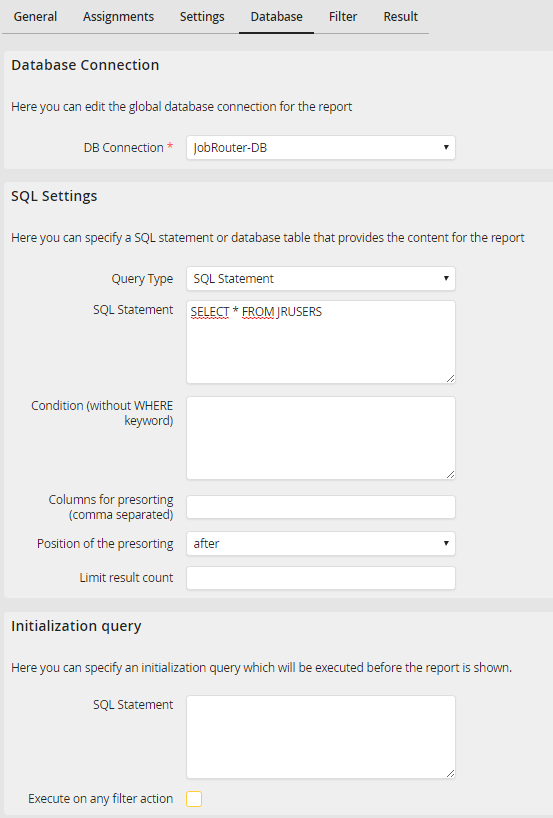
Specifying a database
Select a database connection in the first section (DB Connection). If you choose the JobRouter database, no other settings are required, and you may proceed to the second section. An SQL query can be defined in the Initialization query section that will be executed before the actual JobSelect query is run.
