A scheduled task is used to set the time the newly scheduled instances are created.
In the JobRouter module overview, click JobStart | Manage scheduled tasks to display a list of existing tasks.
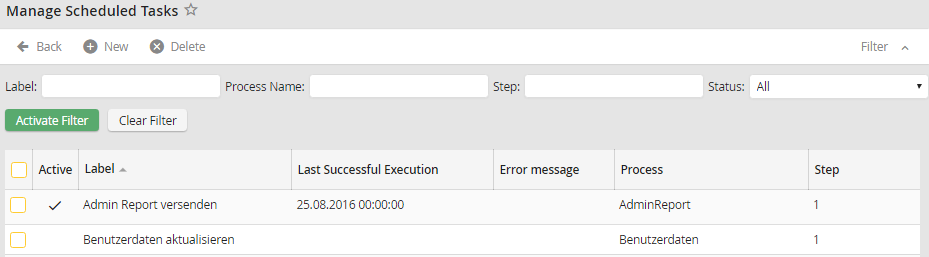
Manage Scheduled Tasks
The Label column shows the name of the scheduled task. The Process and Step columns show you which step of which process will be started. It is possible to review the Last Successful Execution or a possible Error message of the scheduled task. If Active is checked, the task is active.
