In the General tab, you assign a name, a description and the archive. The integration can also be activated here.
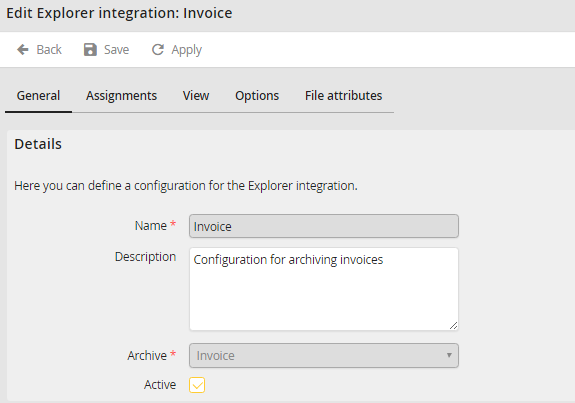
General tab
You may configure the following settings:
Property |
Explanation |
|---|---|
Name |
Enter a name for the integration here. |
Description |
Enter a label for the integration. |
Archive |
Select an archive the integration is used for. |
Active |
Select this checkbox to activate the integration. If an integration is not activated, it cannot be accessed. |
Please note: The explorer configuration is only displayed to the user if he has the respective permissions in the archive. An archive profile is necessary.
