The form editor has an integrated clipboard. It allows you to save single or multiple parts of a form and to easily reuse them in other forms of the process.
If you are in the design mode for the mobile view of a form, the clipboard will not be available.
To save single or multiple parts of a form to the clipboard, select the to be stored elements using the checkboxes.

Form Designer - Copy to clipboard
Afterwards, click on the entry  Copy to clipboard in the action bar. The following popup window appears:
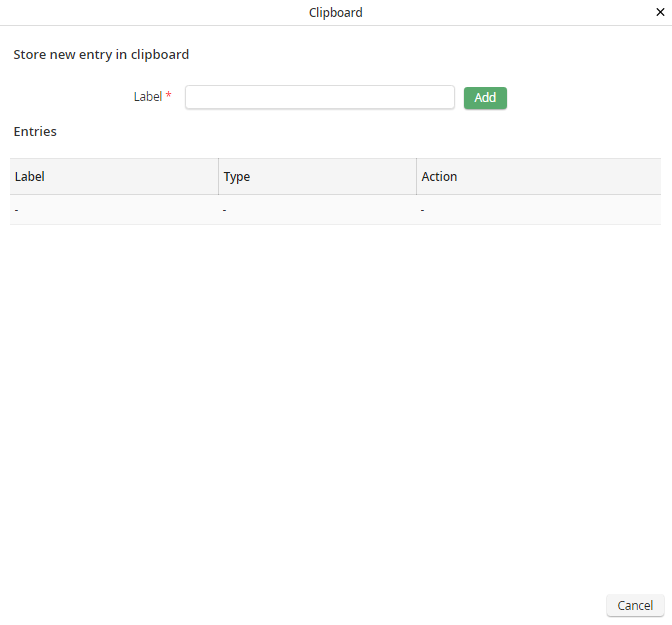
Form Designer - Copying an entry to the clipboard.
Assign a name you want to use for the copied parts in the clipboard. By clicking the Add button, the entry will be copied to the clipboard under the chosen name.
If you want to replace an entry of the clipboard, you can click on the button Update in the corresponding row.
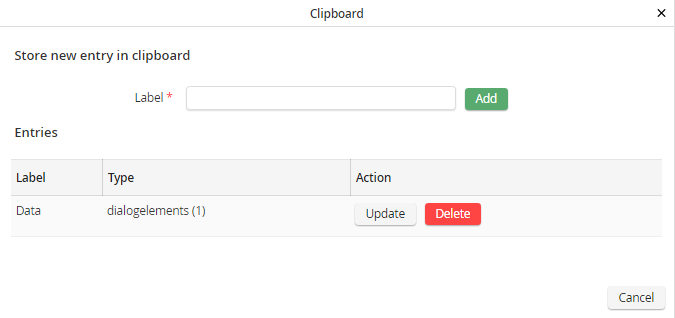
Form Designer - Update an entry of the clipboard.
To delete an existing entry from the clipboard, use the Delete button in the corresponding row.
