Use the e-mail notification to inform a user about new steps. You must have previously enabled e-mail notification in the individual user preferences (See the JobRouter Administration Manual).
Select the Edit step in the E-mail notifications tab to access the input mask for e-mail notifications.
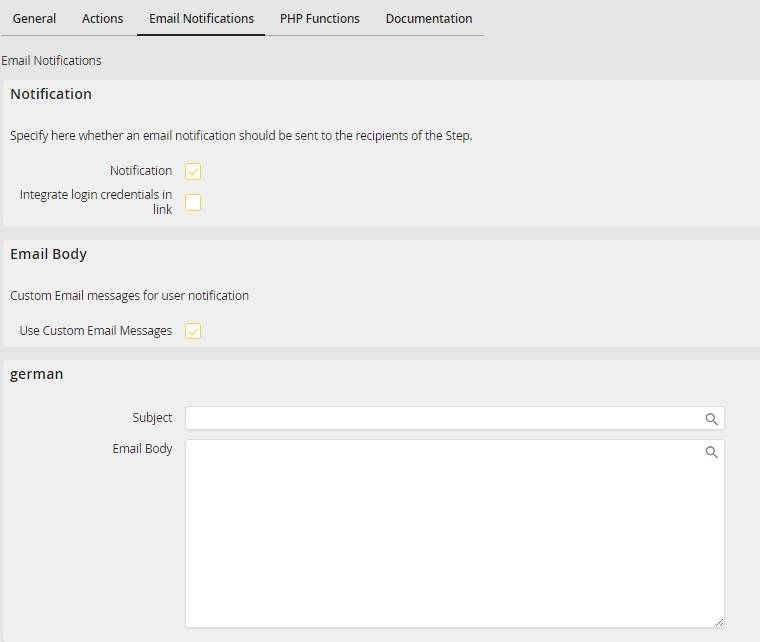
E-mail notifications
You can specify the following e-mail notification functions.
E-mail notification properties |
Description |
|---|---|
Notification |
•The recipient of the step will be notified about new steps. |
Integrate login credentials in link |
•Enable this function to add a link containing the login credentials of the recipient to the e-mail. •The recipient can use the link to access the step directly without to log in to the JobRouter system before. |
Use Custom e-mail Messages |
•You can enter your individual text for the recipient notification. •Enable the checkbox. A new section with input fields for the subject and e-mail text of the e-mail is displayed. •If you have created a multilingual process, a section for each language is displayed. Enter the corresponding text for each language. |
