Go to the Subtable Views section in the Designer navigation menu. An overview of any previously defined subtable views is displayed.
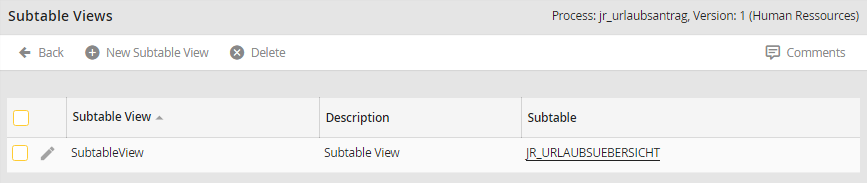
Overview of Subtable Views
You must create a subtable view before you can select the columns for it. Click New subtable view in the upper menu bar to define a view. The following input mask appears.
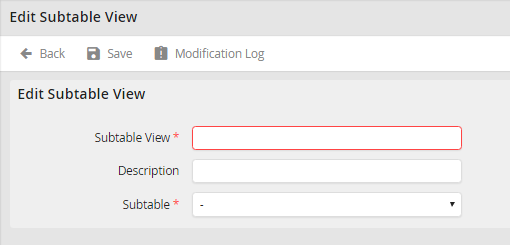
Edit subtable view
Provide a name in the required field Subtable view. Add a description in the field provided. Select the subtable whose data is to be displayed from the drop-down list. Click Save to save your entries and be taken back to the subtable views overview.
Please note: For previously defined subtable views, only the description can be modified.
Click the name of the subtable whose description you want to modify. When the Edit Subtable View form box appears, change the description field, then click Save to store your modification.
