You may assign a user to one or multiple Job Functions. The user can then receive steps assigned to a group. Open the corresponding dialog window by clicking Job Functions.
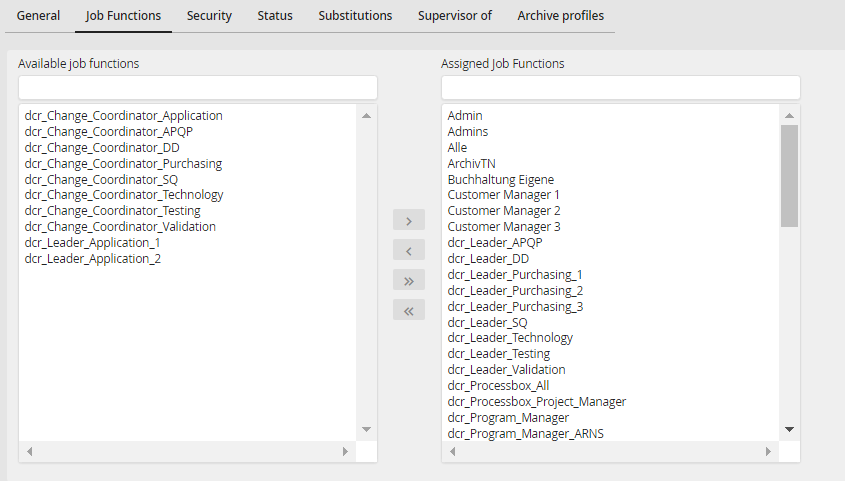
Assigning Job Functions
A list of existing Job Functions will be displayed. Select a Job Function. Click on the arrow  to assign the selected Job Function. The arrow back
  to remove a Job Function. The arrows
  /
/  allow you to assign or remove all existing Job Functions. Click Save to save the applied Job Functions and return to the user overview.
Please note: If the right management is configured on profile level, an assignment is only possible if the right for user and Job Function assignment was granted, too.
