A file import task is used to monitor if new files arrived in a specific directory. You may define any number of such tasks, each of which monitors one directory. Each task will initiate one instance in JobRouter.
In the JobRouter module overview, click on Manage File Imports under JobStart to display a list of existing tasks.
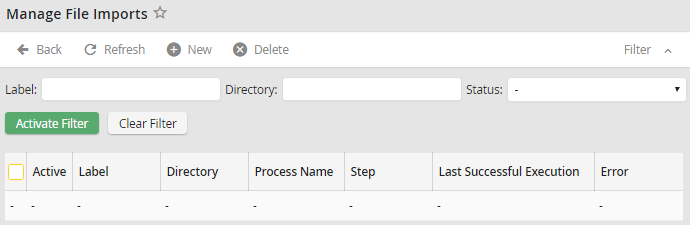
Managing file imports
The Label column shows the name of the file import task. Directory is the directory where the files are stored. The columns Process Name and Step are the process and start steps used for every file of the task. It is possible to review the Last Successful Execution or a possible Error message of the scheduled task. If Active is checked, the task is active.
