You may display a percentage value in a column of the report. To do so, you must define a 100% value relative to which the percentages can be indicated. Click on the  icon to open a pop-up window in which you can configure the settings.
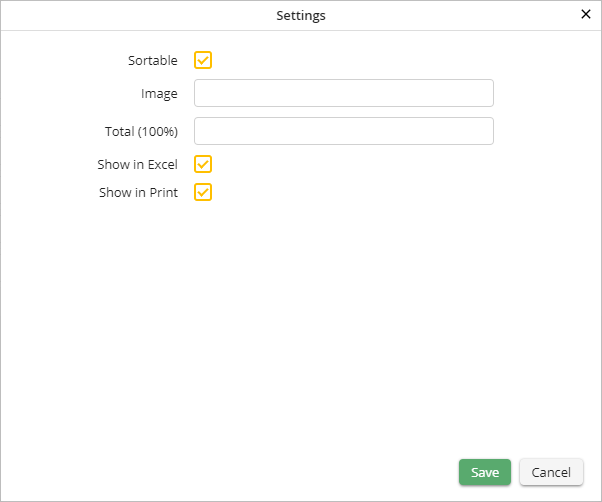
Percentage field settings
You may configure the following settings.
Percentage Field Settings |
Definition |
|---|---|
Sortable |
Check the box to allow the user to sort the column. |
Image |
Enter the name of an image file, if you want to display the percentage value in the form of an image. |
100% Value |
Define the 100% value relative to which the percentages will be indicated. |
Show in Excel |
Specify whether the column may be included in an Excel export. |
Show in print |
Determine whether the column should be included when the Report is printed. |
Click Save to save your settings. The pop-up window will close automatically. You will see the Edit a JobSelect Report dialog window. Click Apply in the action bar to save your settings.
