Here you can call up the instance history from the report. The instance history will open in a new window. To do so only the ProcessID of the instance is necessary as a parameter. It can be called up by clicking the symbol, which is displayed in every row of this column. The image can be customized.
To define the processid column, enter the column of your SQL query, in which the ProcessID is located, as a DB field.
To define a different image, click the  symbol. A pop-up window opens. Changes concerning the image in the result column can be made here.
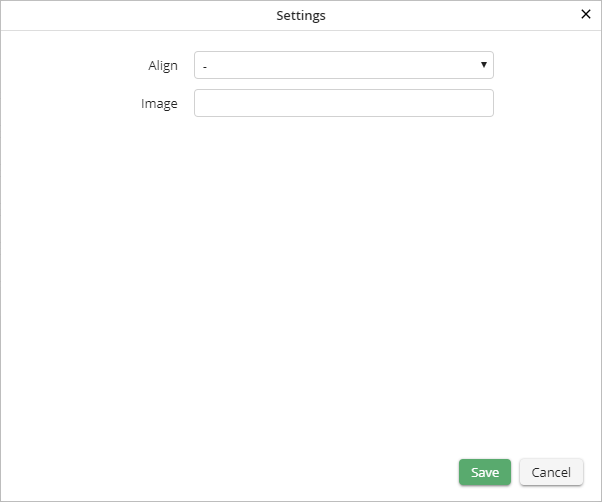
Instance history settings
The following settings can be changed:
Image settings |
Definition |
|---|---|
Alignment |
Choose if the image should appear to the •left, •right or •centered. |
Image |
Choose the image to be displayed. If you do not choose an image, the default image for instance histories will be used. |
Click Save to save your settings. The pop-up window will close automatically. You will see the Edit a JobSelect Report dialog window. Click Apply in the action bar to save your settings.
