After creating a table individual column properties can be subsequently changed. To edit an existing table click on one of the options in the available table overview. The tab General in the menu Edit table will be displayed.
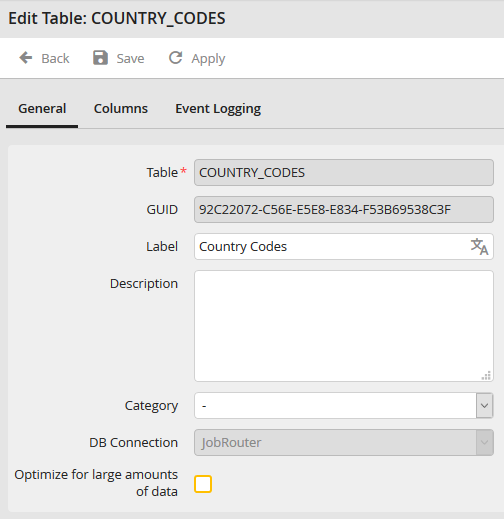
Edit table: Tab General
The table name and the database connection cannot be subsequently changed.
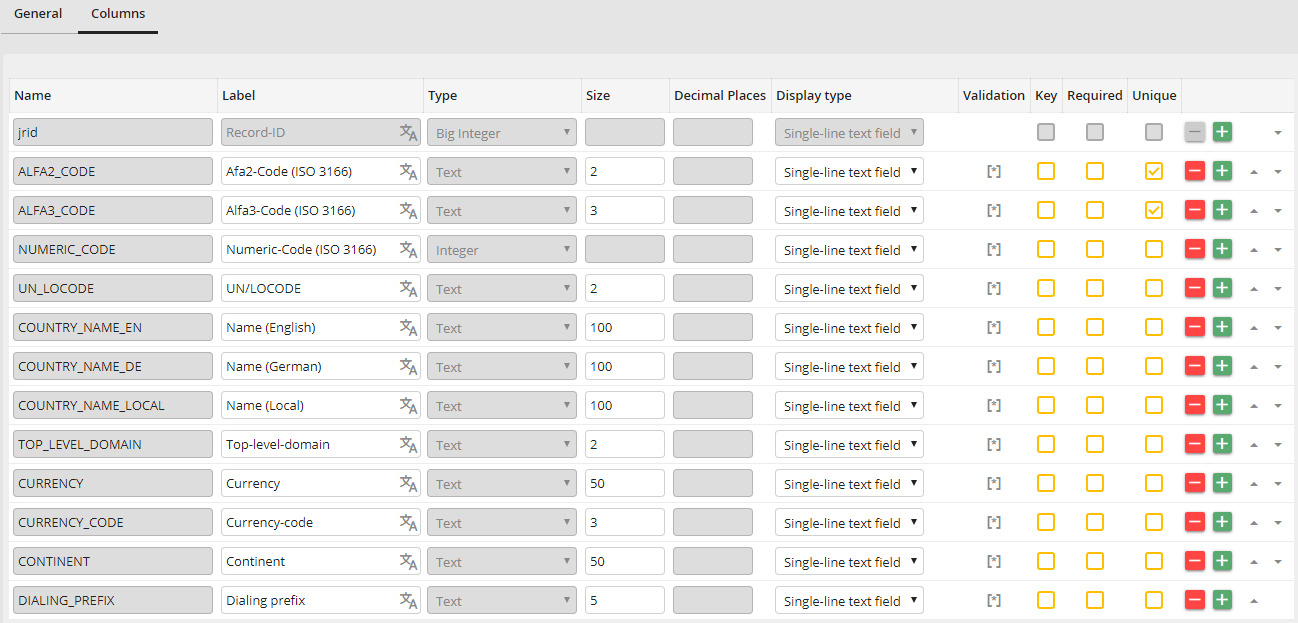
Edit table: Column definition
The column name and the column type cannot be subsequently changed. Furthermore it is possible to define new columns.
