If you have licensed the JobSub add-on module, you can activate the substitution for a user. The substitutes set by the user will be used, if he has the right Manage personal substitutes.
As administrator with the right to manage substitutes, you can edit the substitutes for a user as well. Click Substitutes to open the dialog window.
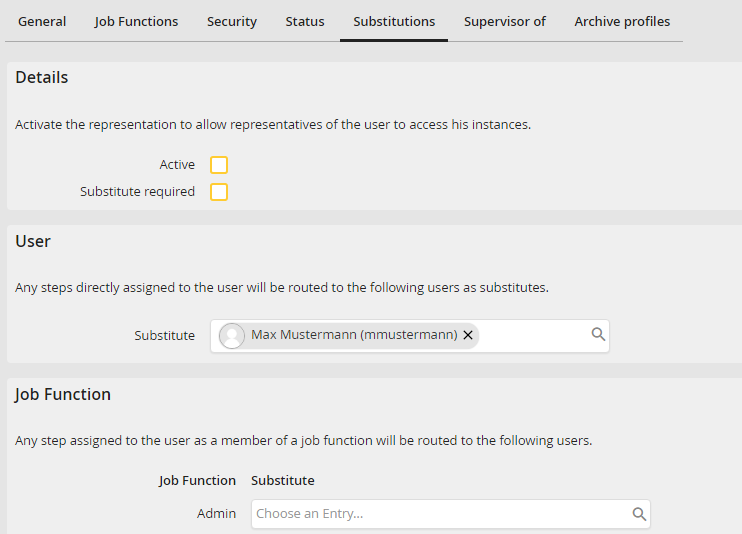
Activating Substitutes
Check the Active box. The substitution will be activated. All steps waiting to be processed by the user will be transferred to his substitutes, as long as this setting is active.
If the checkbox Substitute required is activated, the user will receive a notification during his next login telling him he has to enter his substitutes. As soon as all substitutes are entered, the notification will no longer be displayed. For this action, the user requires the right Manage own substitutes.
Please note: The forwarding of steps to the substitute is not multi-level. This means that if a step is forwarded to a user whose substitution is also active, the step is no longer forwarded to this user's substitute.
Click on Save to store your settings. You will be returned to the user overview.
