By clicking Status you can view various information about the user.
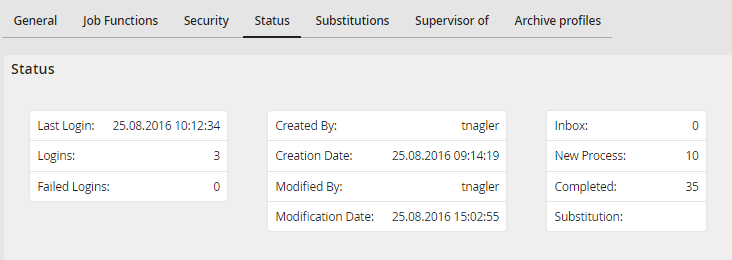
User status query
The following status information is displayed.
Status |
Definition |
|---|---|
Last login |
Date and time of a user's last login |
Logins |
How many times a user logged in |
Failed logins |
A count of a user's failed login attempts. This counter will be reset during the next successful login of the user. |
Created by |
The origin of the user record, either entered directly into the system or populated from an external system. Direct JobRouter entries are denoted by System or the respective username. |
Creation Date |
When the user was created |
Modified by |
The last person who modified the user |
Modification date |
Date when the user was last modified |
Synchronization date |
Time of the last LDAP synchronization |
Inbox |
How many steps are in the corresponding box of the user. |
Start |
|
Completed |
|
Substitute |
