You may pass predefined values to a process initiated by a scheduled task. These values can be passed to the instance by filling the fields of the process table with the desired data beforehand. You can assign fixed values or the [jr_date] variable to table fields.
The assignments can be set in the Assignments tab of the Edit Scheduled Task mask. The following input mask appears.
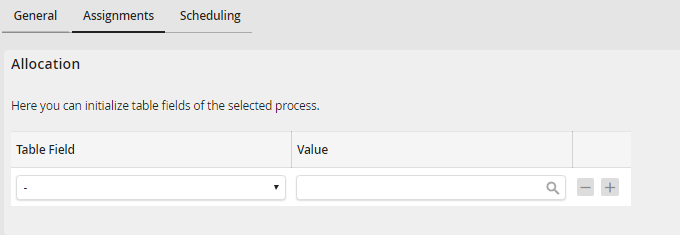
Scheduled Tasks - Assignments
You can add more rows to the list by clicking the plus symbol  . Click on the minus symbol
  to remove a row from the list.
Click Save to save your settings. You will be redirected automatically to the scheduled tasks overview.
