Access to the Explorer integration is granted indirectly to the users, via assigning Job Functions. Consequently, all members of every Job Functions assigned to the integration have access to the integration. To assign Job Functions, click on the Assignments tab.
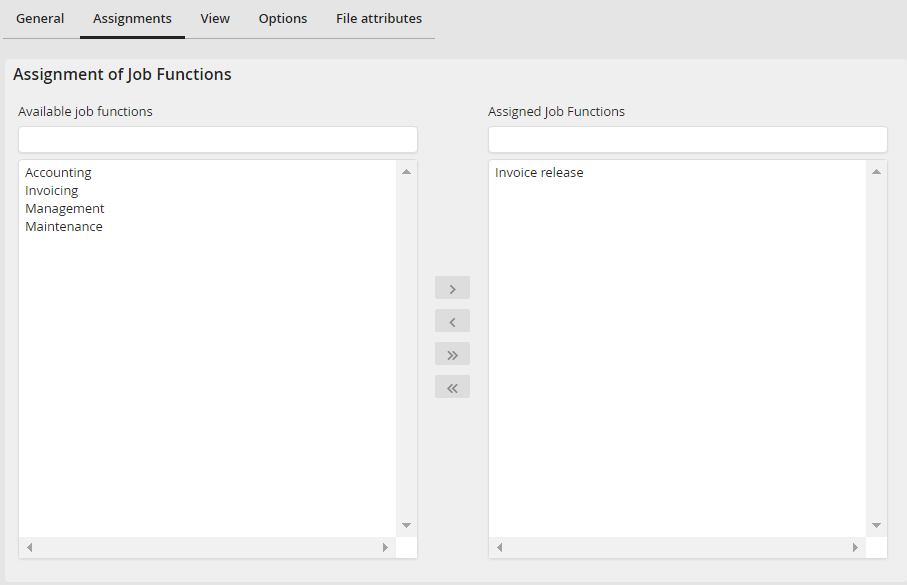
Tab Assignment: Assigning rights
In the Available job functions section you see a list of all Job Functions existing in the system. Select a Job Function. Click on  to assign the selected Job Function. Subsequently, it will appear in the Assigned Job Functions section. The arrow back
  removes a Job Function again. The arrows
  /
/  allow you to assign or remove all existing Job Functions. Click Save in the action bar to save your assignments.
Please note: If the rights management is configured on profile level, an assignment is only possible if the right for user and Job Function assignment was granted.
