By means of profiles for JobData tables you can manage the user access to JobData tables.
In the context menu of the menu Manage tables you will find the option Edit profile. By clicking on this option you will get to an overview of all existing profiles for this table.
The FullAccess profile is created automatically when the table is created and contains all rights. It can be neither deleted nor can the rights be adapted.
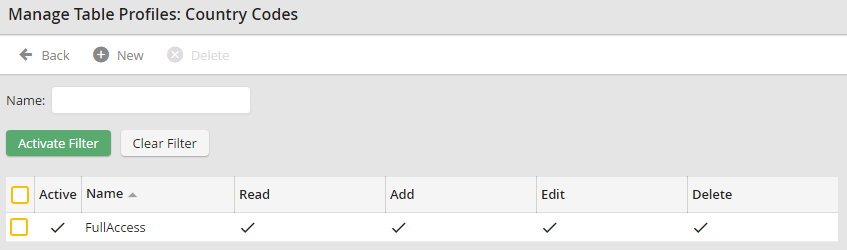
Overview: Manage profile
Please note: If several profiles are assigned to one user, the rights of the single profiles will be added accumulated. Restrictions are linked with OR and are valid for all rights.
