If you don't want to manage a table via JobData any more you can use the function Deregister table is available now. Just select the requested table via the checkbox and click on the Deregister table. The selected tables will be displayed once more in a pop-up window.
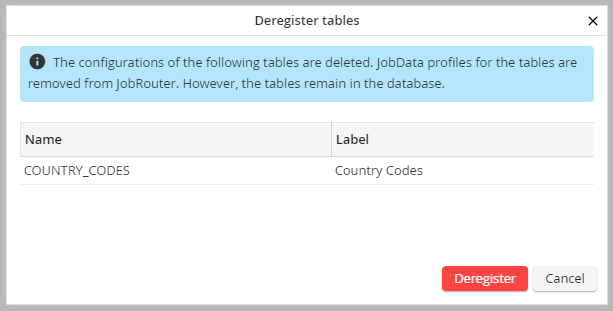
List of selected tables
By clicking on the Deregister button in the pop-up window all listed tables will be removed from JobData . Thereby, all table profiles and the assignment of table profiles to Job Functions will be deleted.
Please note: Deregistered tables will remain in the database.
If all tables could be deregistered successfully, a success message will be displayed.
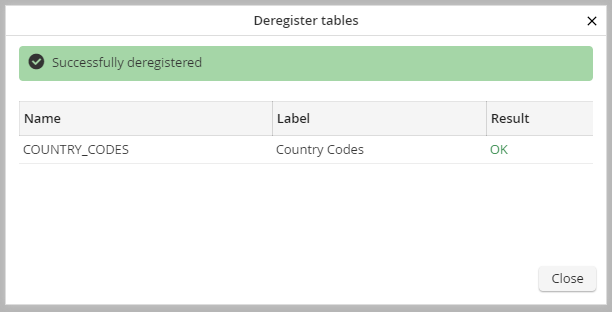
Successful table deregistration
If the deregistration failed for one or several tables an error message will be displayed for these tables.
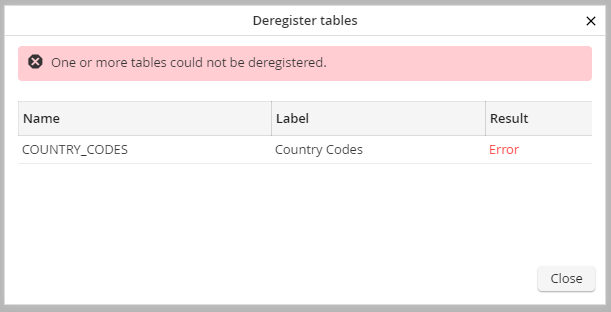
Deregistration failed
