If you want to manage a table that already exists in a database via JobData you can use the function Register table. Just click on the button Register tablein the action bar. A pop-up window is displayed containing a list of all global connections and JobRouter Internet connections you can chose of.
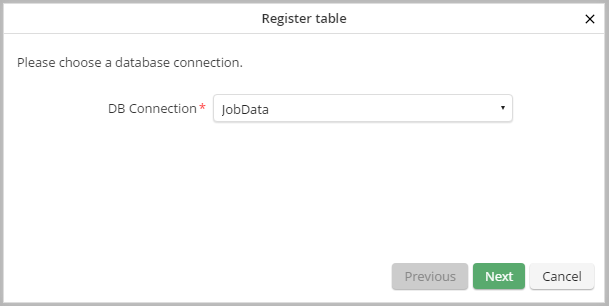
Select database connection
After choosing the required database connection click Continue. Thereafter you will see a list of all tables available for this connection.
Please note: If you select a JobRouter connection, all process and subtables, archives and their full-text tables as well as all tables created by JobRouter during the installation will be filtered out. Tables already managed via JobData are not available in general.
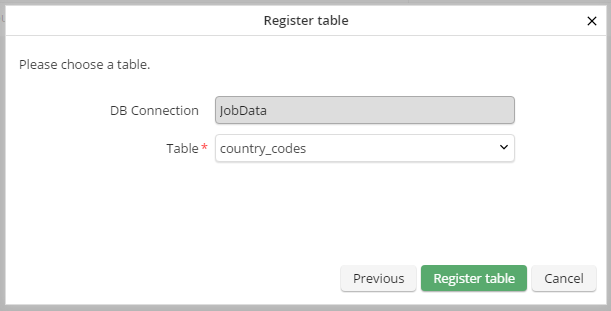
Table selection
Before registering the table a table structure analysis is performed. If no errors occurs the table will be registered in JobRouter and a success message will be displayed.
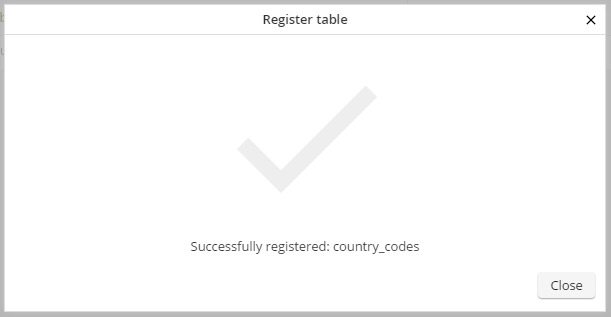
Successful registration
If the table structure is not supported, it is not possible to register the table and JobRouter will list the discovered errors.
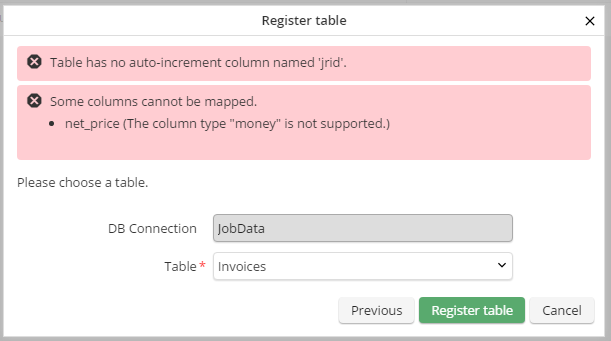
Registration failed
Please note: All conditions which must be met for a successful registration can be found in JobRouter Tech Doc in detail.
