You can delete one or more tables by clicking the checkbox of the respective row and clicking subsequently Delete in the action bar.
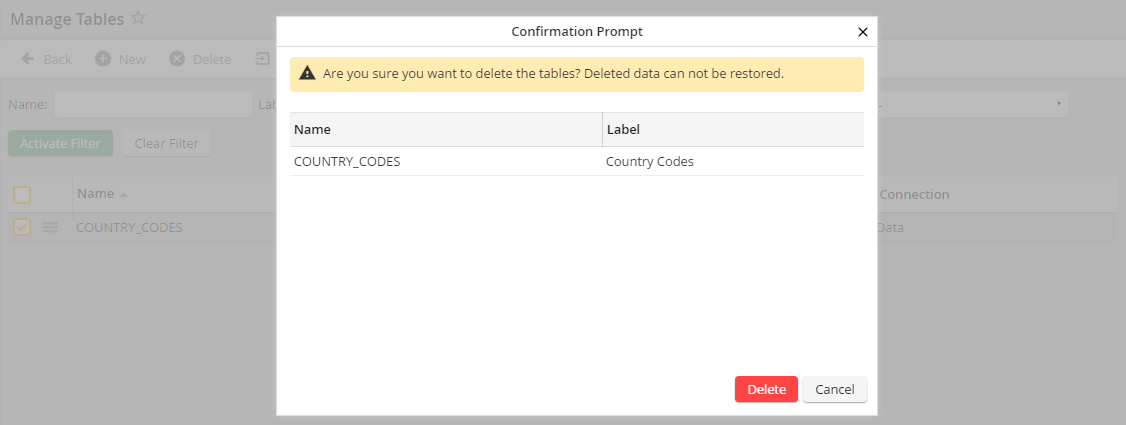
Delete table (confirmation prompt)
Please note: Table configurations and profiles as well as the data will be deleted.
