You can pass pre-defined data values to processes initiated by e-mail import tasks. The data values will be written into the process table or one or more subtables of the assigned process. For example, you can pass the sender name and/or recipient name and/or their e-mail addresses.
Click on the Assignments tab in the dialog window that is already open (see chapter Create and edit an e-mail import task). The following input mask appears.
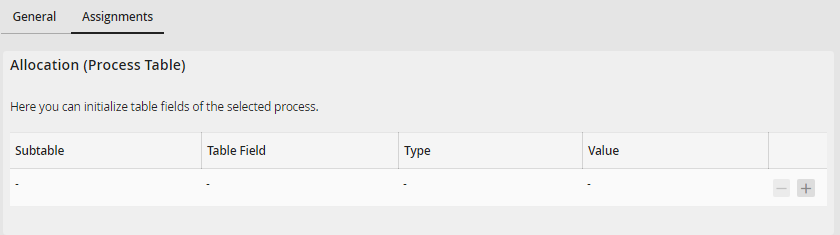
Assigning an email import task
You can define any number of assignments. Click on  to add more rows to the assignment list or click on
  to remove a row from the list. This allows you to pass specific values to an instance of the started process. The data values will be written into the process table.
Passing several values, for example, several recipient names and their e-mail addresses or several attachments, requires that the corresponding values be written into a subtable, which must have been previously defined within the process. For more information about subtables, see the JobRouter Workflow Designer Manual, chapter Subtables & subtable views (JobTable Module). Without subtables, you may only pass one value to one field in the process table.
Please note: Working with subtables requires the JobTable add-on module.
