The View tab allows determining how the data of an archive is displayed in the Explorer integration. You can influence the directory structure, the displayed columns in the Explorer and the displayed file name.
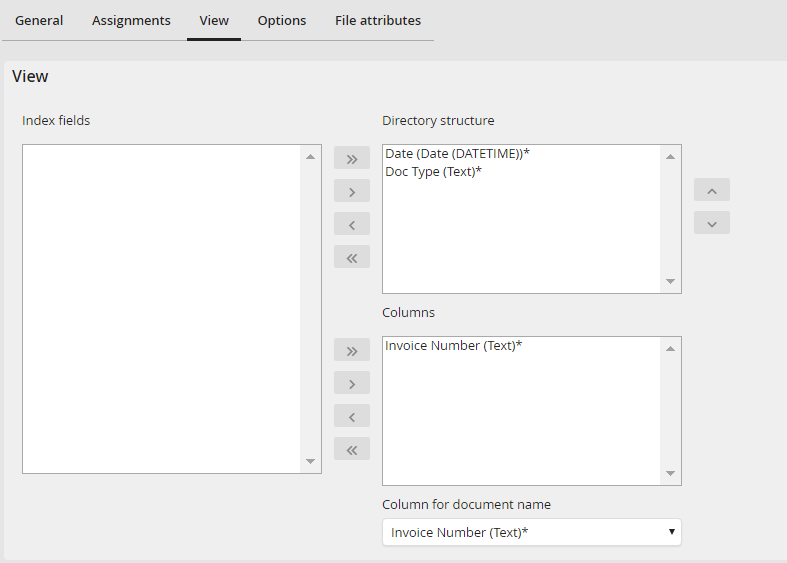
View tab - Configure index fields for the view
In the left Index fields pick list you can select the Index fields available in the archive. Similar to the Assignment of job functions, you can assign index fields to the directory structure or Explorer columns by clicking on the arrows. The Explorer columns will be displayed in addition to the standard columns in the order displayed here. Below the Explorer columns, you can select an index field for the document name. It will be used in the Explorer as the file name. If no index field is selected, the original file name is used.
Please note that the directory structure is constructed hierarchical in the order of assignment. The order of the index fields in the pick list Directory structure depicts one directory level each that groups the directories by the content of the index field. For example, if you first select the index field Company and then the field Invoice number, the first level will be a list of directories for each company. If you then change into the directory of a company, you will see a list of directories for each invoice number of this company.
